LoRA Fine-Tuning on Apple Models: Practical Guide
Low-Rank Adapters (LoRA) enable efficient fine-tuning of Apple's on-device LLMs for specialized tasks. Here is a practical introduction to the technique and its applications.
What Is LoRA?
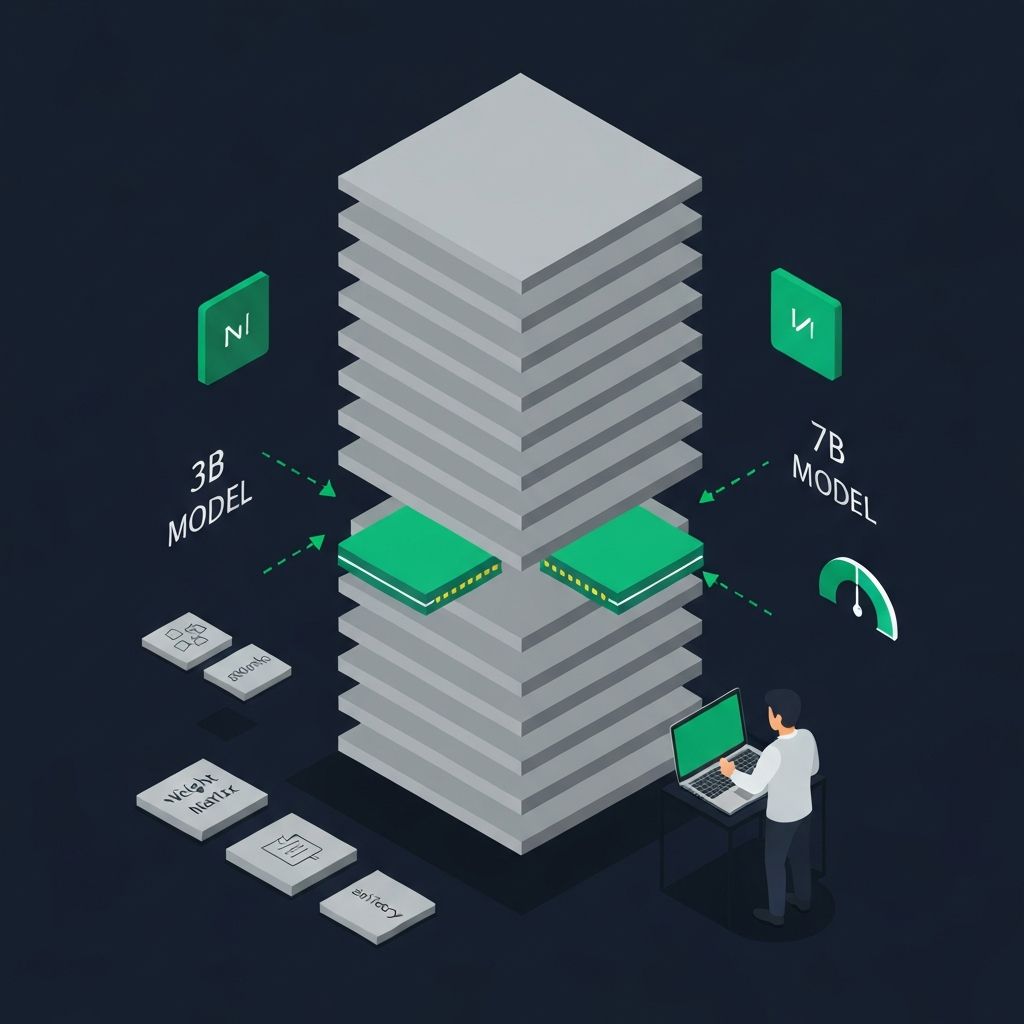
Low-Rank Adaptation (LoRA) is a parameter-efficient fine-tuning technique that adapts large language models to specific tasks without modifying the original model weights.
Instead of retraining all parameters (which would be prohibitively expensive for on-device models), LoRA injects small trainable matrices into the model's attention layers. These adapters are typically 0.1-1% the size of the original model, making them practical to train, store, and swap on mobile devices.
Why LoRA Matters for Apple's On-Device Models
Apple's Foundation Models framework supports adapter-based customization through the AdaptedModel API. This means developers can:
How LoRA Works
The core insight is elegant. In a standard transformer attention layer, the weight matrices are large (e.g., 4096 x 4096). LoRA decomposes the update to these matrices into two much smaller matrices:
Instead of updating W directly: W_new = W + delta_W
LoRA factorizes: delta_W = A * B, where A is (4096 x 16) and B is (16 x 4096)
The rank (16 in this example) is the key hyperparameter. Lower rank means smaller adapters but potentially less expressive power.
Practical Applications
Custom writing assistants — Fine-tune on a company's writing style, terminology, and formatting conventions. The model generates content that sounds like your brand.
Domain-specific extraction — Train adapters to reliably extract structured data from medical records, legal documents, or financial reports.
Personalized responses — Create adapters that match individual user communication patterns while keeping the base model general.
Multi-language optimization — While the base model handles many languages, LoRA adapters can dramatically improve performance for specific language pairs.
Training a LoRA Adapter
The general workflow:
2. Configure training parameters — Set the rank (typically 8-64), learning rate, and number of epochs. Lower ranks are more parameter-efficient; higher ranks capture more complex adaptations.
3. Train the adapter — This can be done on a MacBook with Apple Silicon in minutes to hours, depending on dataset size. No cloud GPU required for small adapters.
4. Evaluate and iterate — Test the adapted model against held-out examples. LoRA adapters are fast to retrain, so iteration is cheap.
5. Deploy — Ship the adapter file (typically a few MB) with your app. The Foundation Models framework loads it at runtime.
Technical Considerations
Rank selection — Start with rank 16. Increase if the adapter underperforms; decrease if you need smaller file sizes. Most practical applications work well with ranks between 8 and 32.
Training data quality — LoRA is sensitive to training data quality. Inconsistent or noisy examples produce inconsistent adapters. Invest in data curation.
Adapter composition — Multiple LoRA adapters can potentially be combined or switched at runtime, enabling different behaviors for different app features.
Base model updates — When Apple updates the underlying model in a new iOS version, adapters may need retraining. Plan for this in your development cycle.
The IMAGIMATIC Approach
We use LoRA adapters in Voice Planner to customize the model's understanding of task-related language, scheduling patterns, and user intent. The result is an assistant that understands "move my 3pm to tomorrow" without needing a cloud round-trip or generic intent classification.
For teams exploring on-device AI, LoRA is the practical bridge between Apple's general-purpose model and your specific application needs.
Related Articles

Apple's Foundation Models and On-Device AI in iOS 26
Apple's new Foundation Models framework brings powerful on-device inference to iOS 26. Here is what it means for privacy, performance, and the future of app development.
Local AI + RAG Workflows on MacBooks and iPhones
Running Retrieval-Augmented Generation and lightweight models locally on Apple Silicon devices opens new possibilities for privacy-first, responsive AI applications.