Local AI + RAG Workflows on MacBooks and iPhones
Running Retrieval-Augmented Generation and lightweight models locally on Apple Silicon devices opens new possibilities for privacy-first, responsive AI applications.
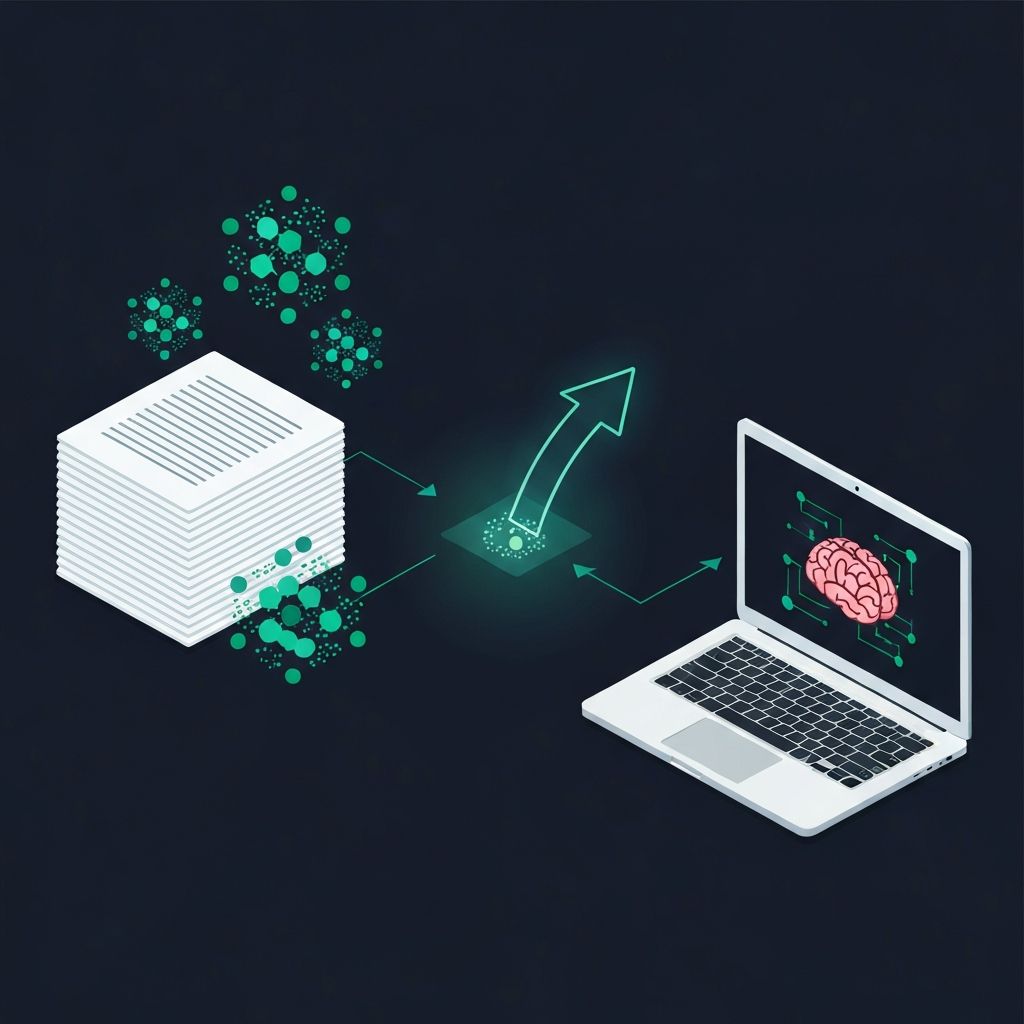
Why Local AI Matters
The default assumption for most AI applications has been cloud-first: send data to an API, get a response back. But this model has fundamental limitations — latency, cost, privacy concerns, and network dependency.
Apple Silicon has changed the calculus. The M-series chips in MacBooks and the A-series / M-series chips in iPhones and iPads have Neural Engines capable of running multi-billion parameter models with impressive performance.
What Is RAG?
Retrieval-Augmented Generation (RAG) is a pattern that combines:
2. A language model — generates responses grounded in that retrieved context
Instead of relying solely on the model's training data, RAG lets you feed the model current, specific information at query time. This dramatically reduces hallucinations and enables personalized responses.
Running RAG Locally on Apple Silicon
A local RAG stack on Apple Silicon typically involves:
Embedding generation — Convert documents into vector embeddings using models like all-MiniLM or Apple's built-in NLEmbedding API.
Vector storage — Store embeddings in a local vector database. SQLite with vector extensions, or even in-memory stores, work well for personal-scale data.
Retrieval — When the user asks a question, embed the query, find the nearest vectors, and retrieve the corresponding documents.
Generation — Pass the retrieved context to Apple's Foundation Models (or a local model like Llama) to generate a grounded response.
Performance on Apple Hardware
The numbers are compelling:
For most personal and small-team use cases, this is more than sufficient — and it comes with zero API costs and complete privacy.
Practical Use Cases
Personal knowledge management — Index your notes, documents, and emails locally. Ask questions and get answers grounded in your own data, without anything leaving your device.
Enterprise on-device search — Deploy apps that search company documentation without sending sensitive data to third-party APIs.
Offline-capable AI assistants — Build apps that work identically whether the user is connected or on an airplane.
Health and financial apps — Categories where data sensitivity makes cloud processing a liability, not a feature.
The Swift Foundation Models API
Apple's API makes local RAG surprisingly straightforward:
let session = LanguageModelSession(instructions: """
  You are a helpful assistant. Answer questions based only
  on the provided context. If the context does not contain
  the answer, say so.
""")

let context = retrieveRelevantDocuments(for: query)
let prompt = "Context: \(context)\n\nQuestion: \(query)"
let response = try await session.respond(to: prompt)
What This Means for Developers
Local AI + RAG is not just a technical curiosity — it is a competitive advantage. Apps that process data on-device are faster, more private, and more reliable than cloud-dependent alternatives.
At IMAGIMATIC, we are building this stack into our products and helping teams architect local-first AI systems. The hardware is ready. The APIs are mature. Now is the time to build.
Related Articles

Apple's Foundation Models and On-Device AI in iOS 26
Apple's new Foundation Models framework brings powerful on-device inference to iOS 26. Here is what it means for privacy, performance, and the future of app development.

Building Intelligent Agent Applications with RAG + On-Device Inference
Combining Retrieval-Augmented Generation, local models, retrieval, and tool calling enables highly responsive, personalized apps that work without cloud dependencies.